ChildView
A parent-approved video space for children.
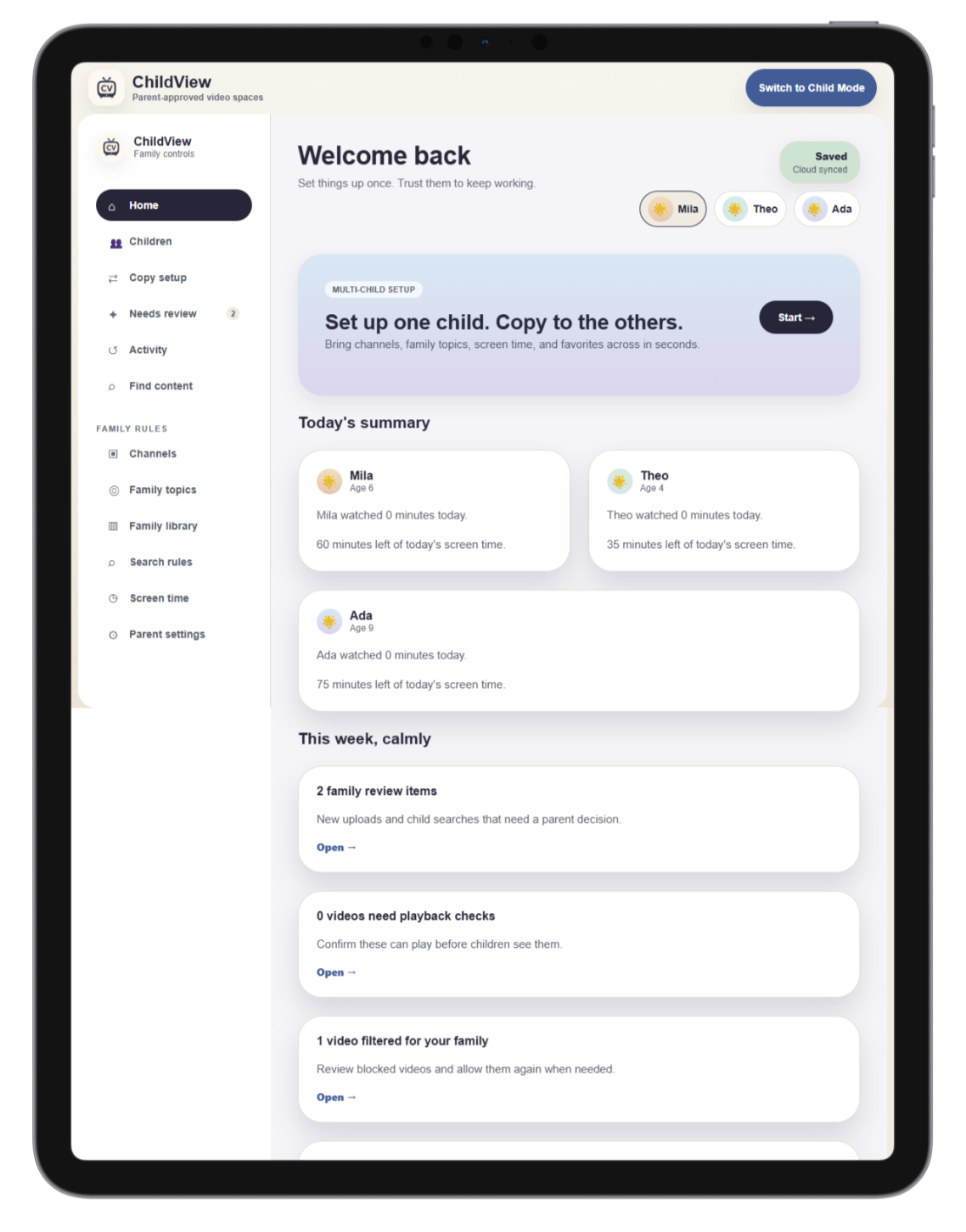
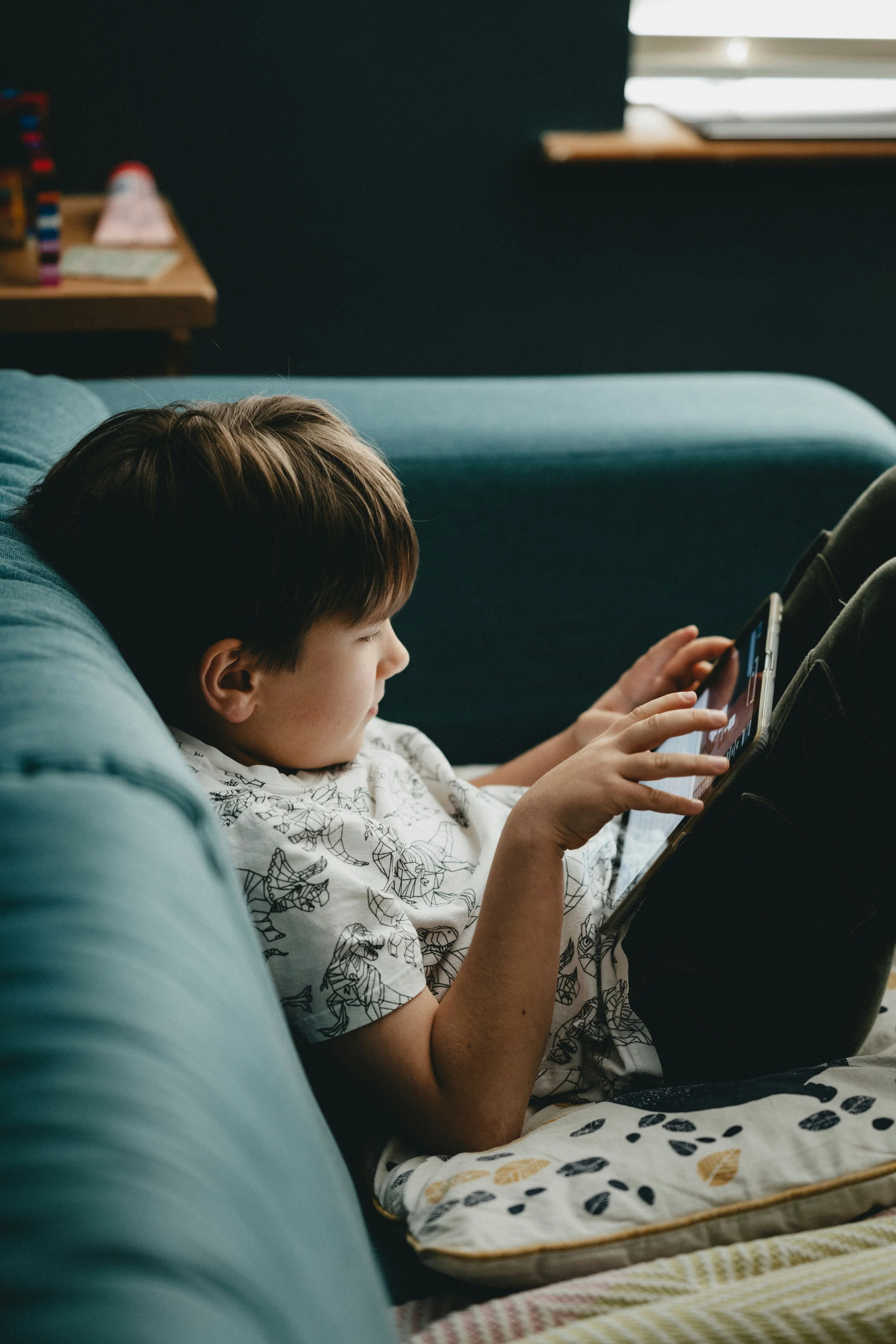
ChildView is a tablet-first video app for families who want less chaos and more control. Parents connect one YouTube account, create child profiles inside ChildView, and build a family library of approved videos and channels. Children get a simple, playful viewing experience without endless scrolling, comments, or random recommendations.
Coming Soon for iOS and Android…

What is ChildView?
ChildView is designed for parents who want their children to enjoy videos without giving them full access to YouTube.
Instead of open browsing, parents choose what appears in each child’s video space. Approve trusted channels, allow specific videos, block topics, manage screen time, and review anything that needs a closer look.
Children do not need their own YouTube accounts. Child profiles live inside ChildView and are managed by the parent.
How It Works
Sign in as the parent
Connect one parent account to manage the family setup.Create child profiles
Add profiles for each child with their own rules, favorites, and screen time settings.Approve channels and videos
Build a family library from channels and videos your children already love.Set family rules
Choose topic filters, search rules, bedtime schedules, and screen time limits.Children watch in Child Mode
Each child sees a simple video space made only from approved content.Parents review what needs attention
New uploads, child search requests, playback issues, and filtered videos stay in Parent Mode until reviewed.
Key Features
Parent-approved channels and videos
Multiple child profiles
Copy setup between siblings
Family-wide rules and child-specific settings
Topic and keyword filtering
Screen time limits
Sleep Mode schedules
Parent PIN gate
Needs Review queue
Watch history
Playback issue reporting
Child-friendly home screen
Parent dashboard
One parent account for family management
Coming soon for iPhone, iPad, Android phones, and Android tablets
Why Parents Will Like It
ChildView is built around a simple idea:
Children should not have to navigate open video platforms to watch the videos parents already trust.
Most video apps are designed to keep viewers watching. ChildView is designed for family control, calmer routines, and clearer parent decisions.
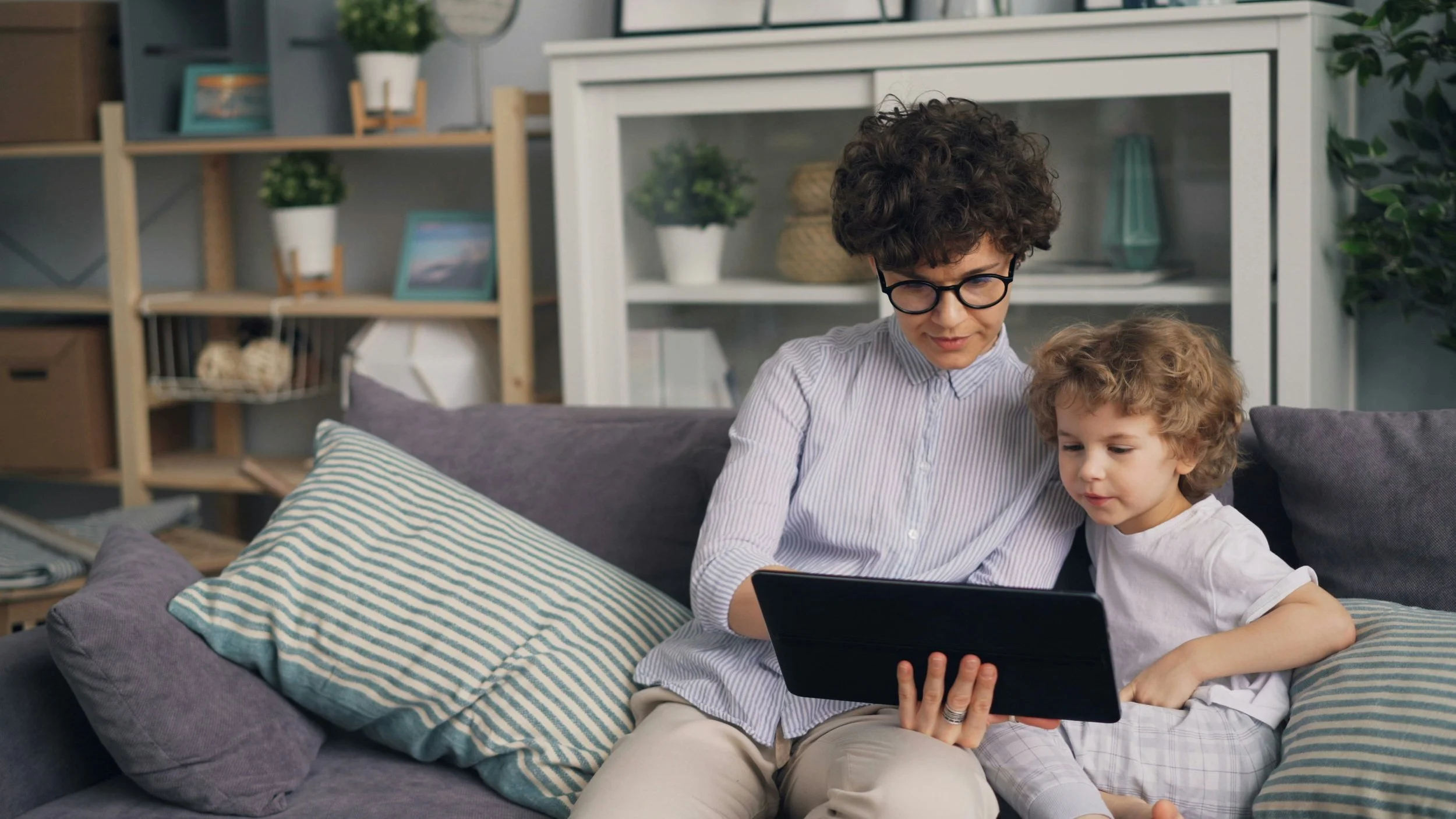
Parents can approve the channels their children love while still blocking individual videos, filtering topics, limiting search, and reviewing edge cases.
Why It’s Different
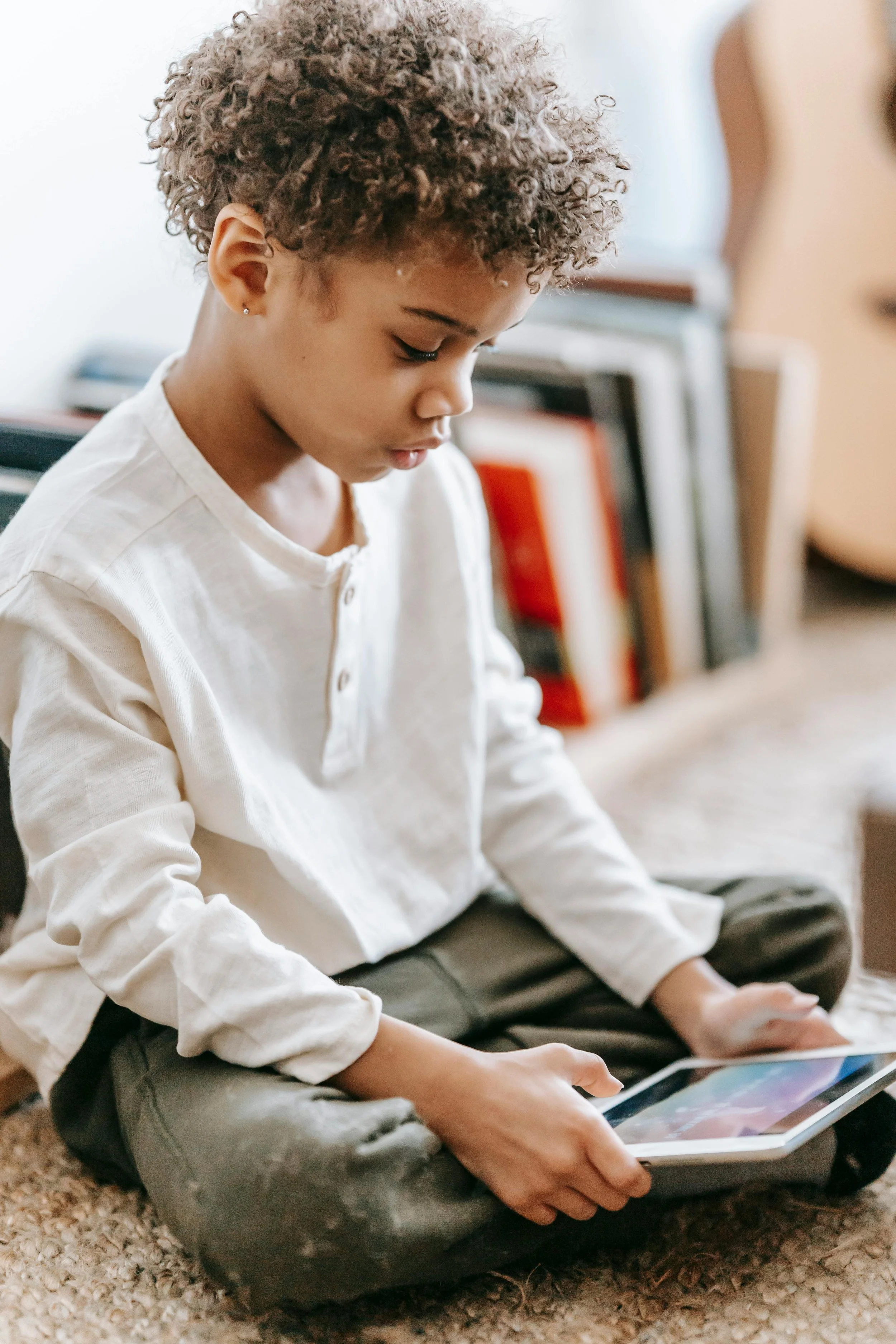
ChildView is not trying to be another video platform. It is a parent-controlled layer for family video watching.
Unlike typical children’s video experiences, ChildView focuses on:
Parent approval first
Children see what parents choose, not an endless feed.No separate child YouTube accounts
Parents manage app-level child profiles from one family setup.Multi-child control
Approve content for one child, selected children, or the whole family.Less noise
No comments, no social feed, no chaotic discovery experience.Clear review tools
Parents can understand why something was filtered and decide what happens next.Tablet-first design
Built for how children mostly watch, with phone-friendly parent controls for quick updates.
Important Note
ChildView uses YouTube playback. Playback depends on YouTube’s player experience and content availability. For the best viewing experience, a YouTube Premium account may reduce ads depending on the parent’s account and YouTube availability.